Paperless HR: Getting Employee Files Out of the Filing Cabinet
Post Author:
Bryan Nash
Categories:
Date Posted:
November 6, 2026
Share This:
Paperless HR: Getting Employee Files Out of the Filing Cabinet
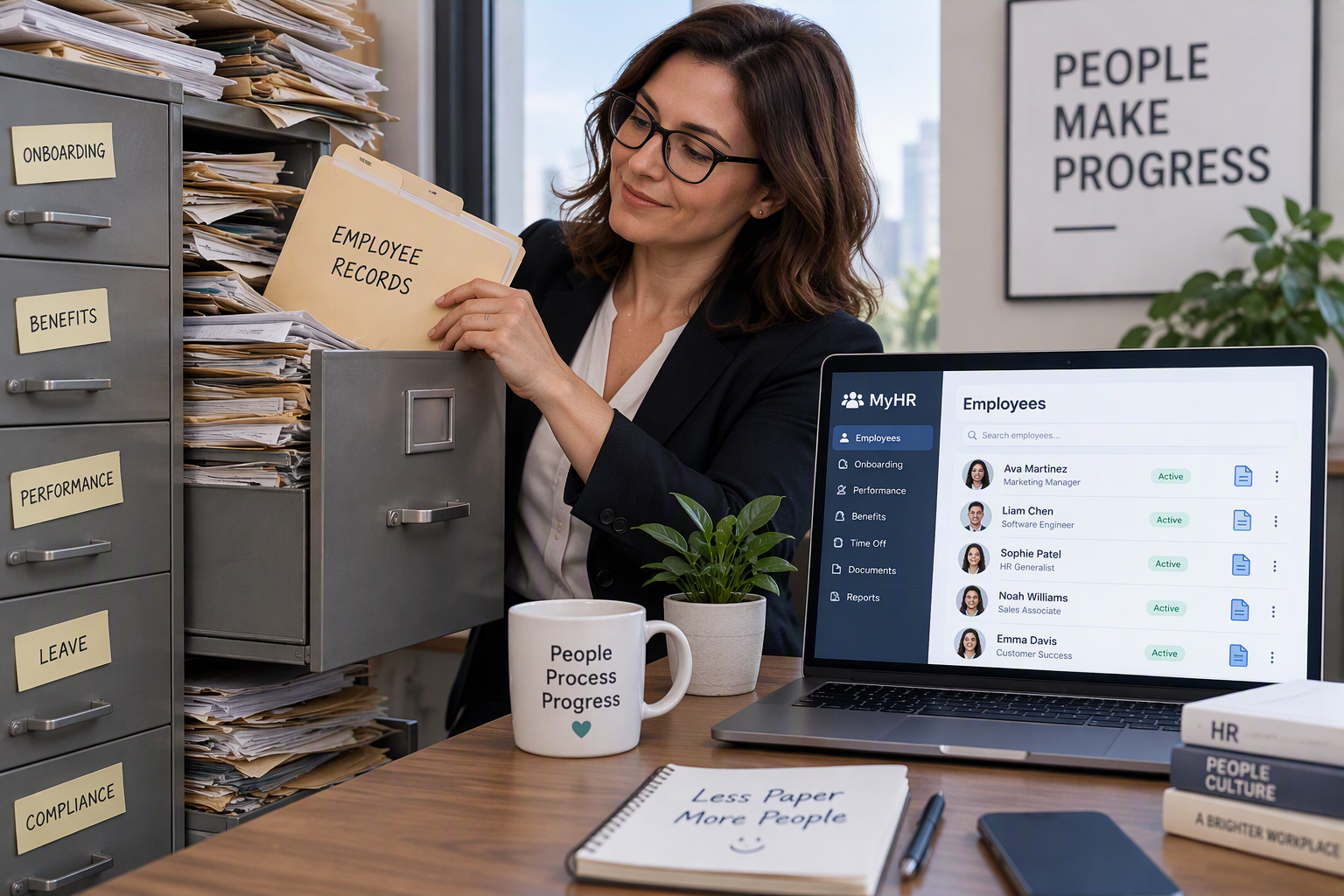
If open enrollment has your HR team digging through a locked cabinet for last year’s beneficiary form, you are in good company. Digital employee files put every personnel document, from the offer letter to the I-9 to this year’s benefits elections, into one secure, searchable record so the right people find it in seconds and everyone else never sees it. The short answer: you can move to digital employee files in stages, starting with new hires, without scanning every old folder on day one.
What are digital employee files?
Digital employee files are electronic personnel records stored in a document management system instead of paper folders. Each employee gets one record, and each document inside it is tagged by type, date, and who is allowed to open it. You search by name or document type instead of flipping through tabs, and you can see at a glance when a required form is missing.
Think of it as the same filing cabinet, minus the drawer, the key, and the trip down the hall. If you are new to the idea, our overview of document management for your office covers the basics.
Why open enrollment shows where paper breaks down
Open enrollment is when paper files cost you the most time. Forms arrive in batches, copies get made, signatures get chased, and folders sit on desks until someone has a minute to file them. Every copy left on a desk is a small privacy exposure, and every misfiled form is a search waiting to happen.
With digital files, an employee completes a form, it lands in the right record automatically, and HR gets a reminder when something is still outstanding. You spend enrollment season answering questions instead of hunting for paper.
What you have to keep, and for how long
Retention rules depend on the type of record, and a digital system can track each one for you. Under federal rules explained in USCIS guidance on retaining and storing Form I-9, you must keep each employee’s I-9 for three years after the hire date or one year after employment ends, whichever is later, and be able to produce it within three business days of an inspection request. Electronic storage is allowed as long as the records stay legible, secure, and retrievable.
Other personnel records have their own timelines, set by agencies such as the EEOC, the Department of Labor, and the IRS. The EEOC recordkeeping requirements are a good starting point. Because the details vary by record and situation, confirm your specific schedule with your accountant or attorney, then let the system flag each file when its clock runs out.
Keeping sensitive HR records private
A good digital setup is more private than a filing cabinet, not less. Permission settings mean only the people whose job requires it can open payroll, medical, or disciplinary documents. An audit trail, which is simply a log of who opened what and when, shows you exactly who has looked at a file.
You can also keep medical and benefits paperwork in a separate, restricted section of each record, which is far easier than maintaining a second locked cabinet. Pairing your document system with managed IT and security support keeps backups, logins, and access reviews on a regular schedule.
How to switch without a scanning marathon
The easiest path is day-forward: every new hire and every new form goes digital starting now. From there, a practical order looks like this:
- Set up document types and retention rules first. Decide what a complete file looks like before anything gets scanned.
- Scan active employees next. Work through current files over a few weeks rather than all at once.
- Handle former employees by retention date. Scan only what you still have to keep, and securely shred the rest once your retention schedule allows.
- Connect the tools you already use. Payroll reports exported from QuickBooks or similar systems can be filed into the same employee record.
DocuWare document management handles this kind of setup well, with indexed employee records, electronic forms, and automatic retention reminders.
We’ll be straight with you: the old paper backfile is the slow part. Scanning years of folders is tedious, and some of those papers may not need saving at all. The software is the easy piece; deciding what to keep usually takes a couple of honest conversations with your HR lead and your accountant.
A local team when you are ready
Duplicator Sales & Service has helped businesses across Kentucky and Southern Indiana get organized since 1959, including offices in Paducah and Louisville. If your HR cabinet is running out of room, our team can walk you through what a paperless setup would look like for your office.
Frequently Asked Questions
Is it legal to keep employee files digitally instead of on paper?
Yes. Federal rules allow most personnel records, including Form I-9, to be stored electronically as long as the records stay legible, secure, and retrievable for inspection. A document management system with permission settings and an access log meets those expectations better than most paper filing cabinets.
How long do you have to keep employee files?
It depends on the record. Form I-9 must be kept for three years after the hire date or one year after employment ends, whichever is later, according to USCIS. Payroll, tax, and other personnel records have their own timelines set by agencies such as the EEOC, the Department of Labor, and the IRS, so confirm your schedule with your accountant or attorney.
Do you have to scan all your old personnel files to go paperless?
No. Most offices start day-forward, so new hires and new forms go digital right away. Active employee files get scanned next, and former employee files only need scanning if they are still inside their retention period.
Does Duplicator Sales & Service help set up digital employee files?
Yes. Duplicator Sales & Service has helped businesses across Kentucky and Southern Indiana organize their records since 1959, and our team sets up DocuWare for HR with employee record templates, permission settings, and retention reminders. Request a quote to see whether digital employee files fit how your team works.