
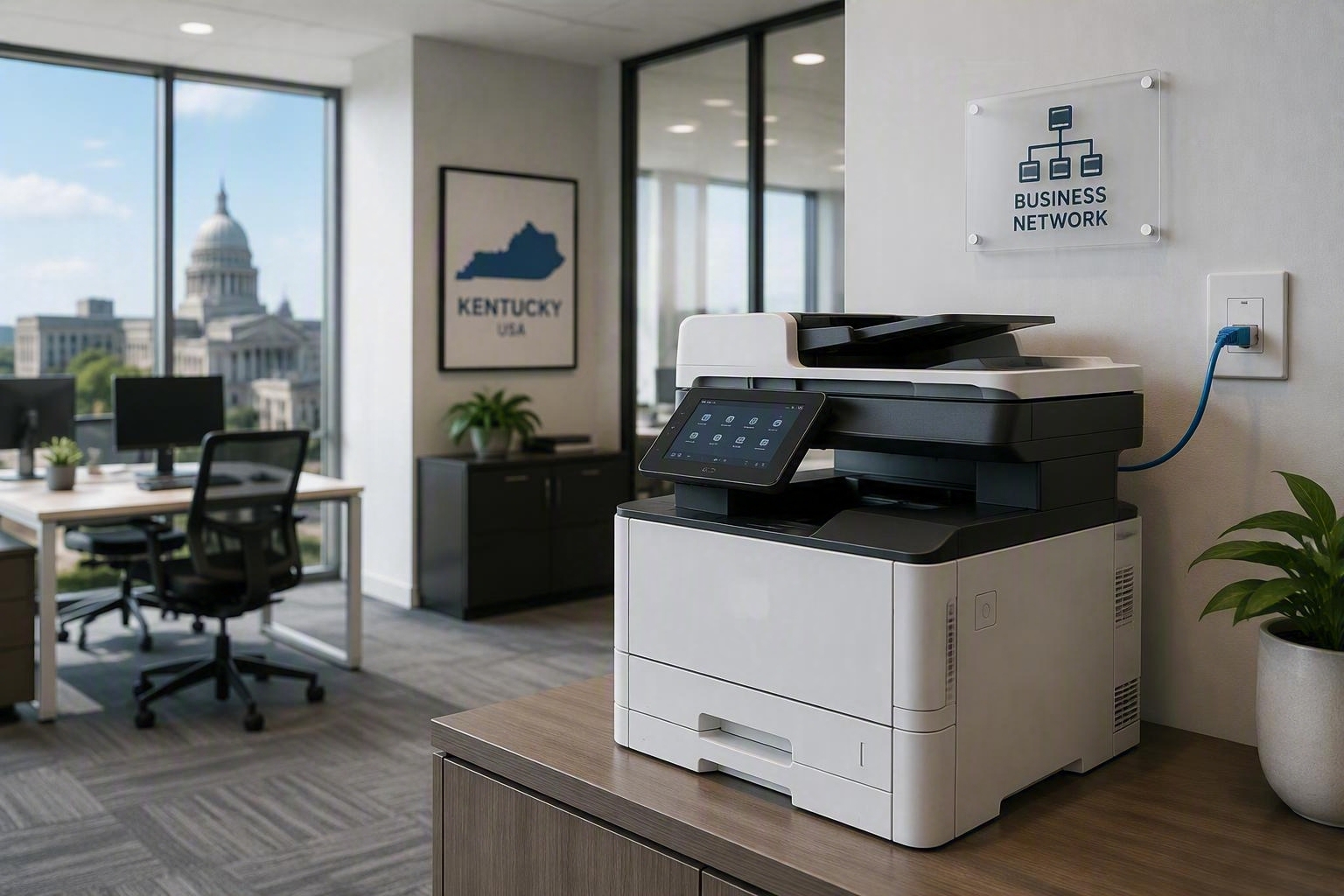
Is Your Office Printer a Security Risk? (And the Simple Fixes)
Post Author:
Bryan Nash
Categories:
Date Posted:
September 8, 2026
Share This:
Take a look at the printer in the corner of your office. It scans contracts, prints invoices, and copies whatever crosses the glass, and in most offices nobody has touched its settings since the day it was installed. That is the real story behind office printer security: the risk is not exotic, it is neglect.
Here is the short version. Yes, an unmanaged office printer is a security risk, because it holds a hard drive full of scanned documents, sits wide open on your network, and almost never gets a security update on its own. The fix is not complicated. A few settings changes and one habit shift close most of the gap.
Office printer security starts with the settings nobody changed
Every printer ships with a default administrator password, and most businesses never change it. That password protects the printer’s network settings, its stored scan jobs, and in some cases a full history of documents that have passed through the machine. Leave it at the factory setting, and anyone already on your network, or anyone who looks up that model’s default password online, can get in.
Your printer remembers more than you think
Modern copiers and multifunction printers keep an internal hard drive, and that drive holds copies of what gets scanned, copied, and printed until it fills up or is wiped. If a machine is returned at the end of a lease or resold without clearing that drive, whatever passed through it, tax documents, contracts, employee records, goes with it. Ask your provider whether drives get wiped as a standard part of any equipment turnover.
The output tray is a physical risk too
Not every printer risk lives on the network. Paperwork with account numbers, medical details, or employee information sits in an open output tray until someone walks over to collect it, sometimes for hours in a busy office. Anyone passing the machine can see it, and in a shared or public-facing space, so can visitors.
Simple fixes that do not require adding IT staff
Closing most of this gap comes down to three habits: change every printer’s default password, keep firmware current the same way you would patch a laptop, and require a badge tap or PIN before a job releases to the tray. That last one, often called secure or pull printing, means sensitive pages sit in a queue instead of an open tray until the right person is standing there to collect them.
We will be straight with you: adding a PIN step slows employees down by a few seconds per print job. For a front desk printing name badges all day, that friction adds up. For anything touching financial, medical, or personnel records, it is worth the few seconds.
What the research says about printer-related breaches
This is not a hypothetical risk. Research firm Quocirca’s 2025 Global Print Security Landscape report found that most organizations, more than half, reported at least one print-related data loss in the past year, with the average cost of those incidents climbing well past a million dollars. The Cybersecurity and Infrastructure Security Agency lists changing default passwords among its top recommendations for any device connected to a network, printers included.
Paducah businesses do not need to handle this alone
Kentucky and Southern Indiana businesses, from Paducah to Louisville, are managing more network-connected office equipment than ever, often without a dedicated IT team watching every device. A managed print program that includes secure print release closes the physical side of this risk, while managed IT monitoring keeps an eye on what is connected to your network in the first place. Once a document leaves the printer, a document management system controls who can access it next.
Duplicator Sales & Service has supported printers, copiers, and the networks they sit on for Kentucky and Southern Indiana offices since 1959. If your printer fleet has never had its passwords checked, this week is a reasonable place to start.
Frequently Asked Questions
How do hackers actually get into an office printer?
Most printer break-ins start with a default password that was never changed. Once someone is in, they can see stored scan jobs, reconfigure the device, or use it as a stepping stone to other machines on the same network.
Do our printers store the documents we scan or copy?
Yes. Most modern copiers and multifunction printers keep an internal hard drive that holds copies of scanned, copied, and printed jobs until it fills up or is wiped. That drive should be cleared any time a machine is returned, resold, or retired.
What is secure print release, and do we actually need it?
Secure print release holds a print job in a queue until the person who sent it badges in or enters a PIN at the machine. It is worth adding anywhere financial, medical, or personnel documents get printed, since it keeps sensitive pages from sitting in an open tray.
How much does it cost to secure an office printer fleet?
Basic steps like changing default passwords and updating firmware cost nothing beyond time. Adding secure print release or fleet-wide monitoring is usually a small add-on to an existing print or IT service, not a separate large purchase.
Does Duplicator Sales & Service help secure our printers?
Yes. Duplicator Sales & Service has supported printers, copiers, and the networks they sit on for Kentucky and Southern Indiana businesses since 1959. Request a quote to see whether a secured, managed print setup fits how your team works.